Columbia Games · CCM v2 / August 2026 30.
We did not want to copy 32,000 product images onto every developer laptop
Local CCM development needed real legacy catalogue images without mirroring the entire production media library. An allowlisted live-media proxy, local cache, patient image mode and detached warmup made that practical.
Situation
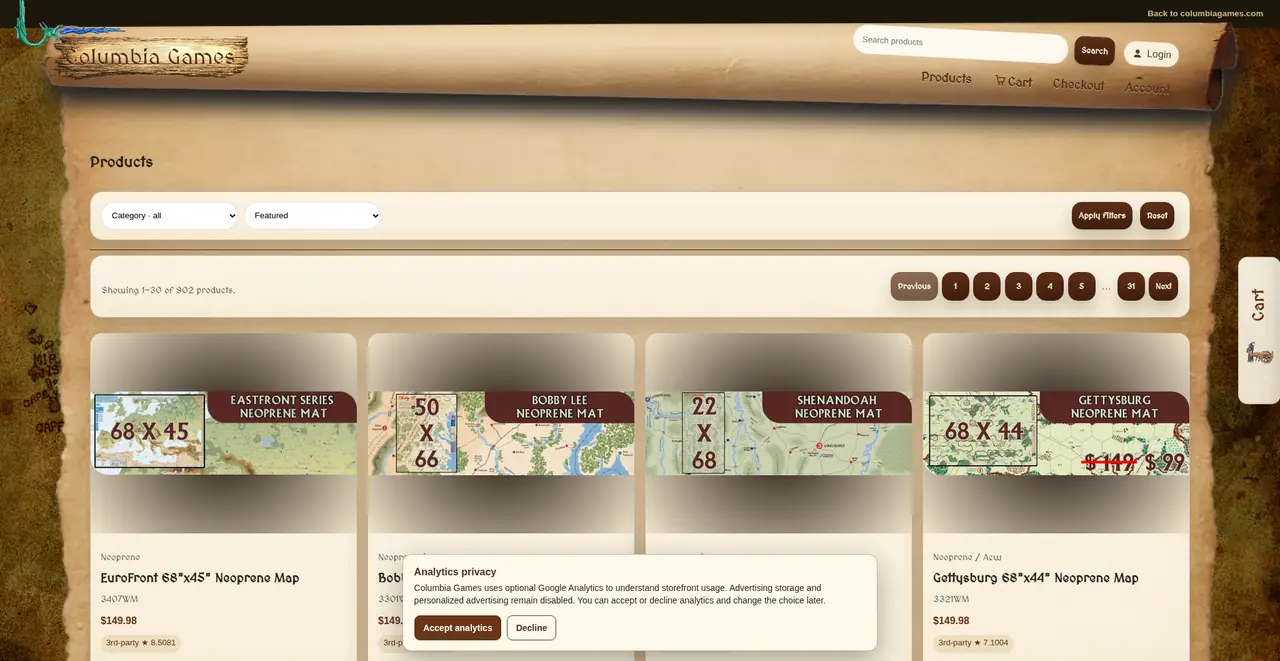
The commerce catalogue depends on a large body of legacy media. Designers and frontend developers need the real images, but copying the complete production media library to every laptop is slow, storage-heavy and quickly becomes stale. The first warmup approach was also coupled too tightly to stack startup, so developers were waiting for image caching before the application itself was ready to use.
Approach
I built an on-demand proxy against an allowlisted production media origin, backed by a local cache with explicit TTL and expiry controls. A patient mode, enabled only in local development, tolerated an image arriving later while UAT and production remained strict. I also decoupled full-catalogue warmup from application startup and moved it into a detached background process so media preparation could not block the development server from becoming ready.
Outcome
Designers could work with real catalogue images without waiting for a full media mirror, while frequently used assets accumulated in the cache over time. The exception that reached production media stayed narrow, explicit and documented rather than turning into general-purpose local access to production services.