
KampányMűvek / 22 September 2026
Marketing dashboard: metrics need actionable warnings as well
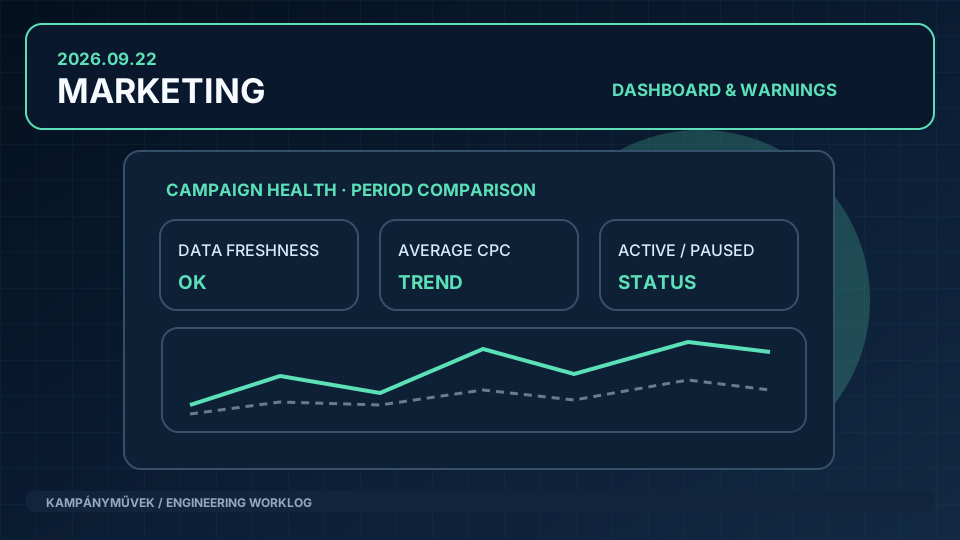
We extended the initial Analytics and Ads views with prior-period comparisons, refresh visibility, campaign-status breakdowns and alerts for campaigns that are enabled but not delivering.
Situation
The first Workshop marketing dashboard worked, but it lacked several details that matter in day-to-day decisions. A click count has limited value without a prior period, a clear last successful refresh or an indication that an enabled campaign has stopped receiving impressions. There was a real gap between the open roadmap item and the initial implementation.
Approach
We compared the delivered foundation against the original dashboard scope instead of prematurely closing the item. The follow-up added GA4 period comparisons, a human-readable last-refresh indicator, enabled and paused Google Ads campaign totals, average CPC and warning rules for missing delivery. All calculations and data-state handling stayed in the CLI control plane; the Swift application continued to render only.
Outcome
The marketing interface progressed beyond a table of statistics to a view that also exposes important operational anomalies. We converted the discrepancy between roadmap and delivery into explicit, verifiable engineering work rather than hiding unfinished requirements.